BPMN demos
BPMN Viewer – Demos & Results
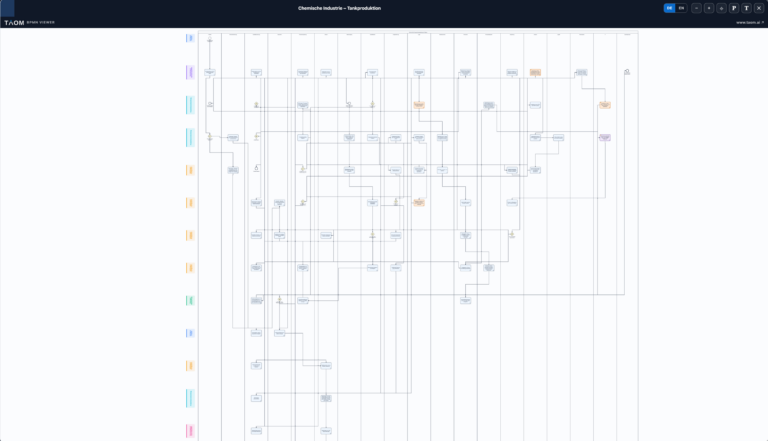
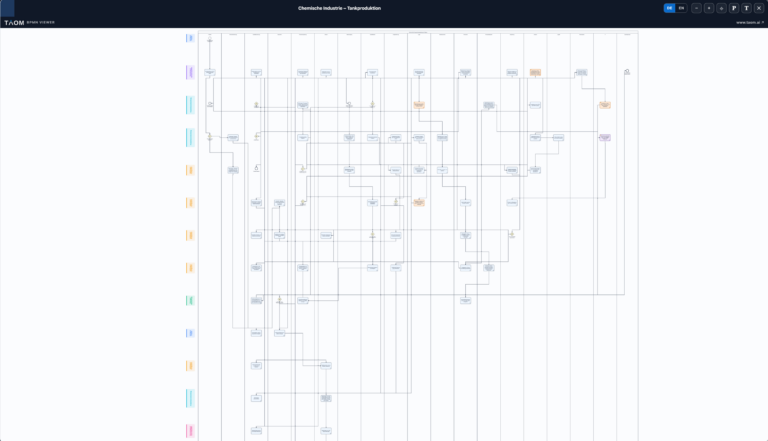
The TAOM BPMN Viewer is designed for the interactive display, analysis and navigation of business processes modelled in accordance with the BPMN standard. The viewer makes it possible to view even extensive process models with numerous swimlanes, activities and decision paths in a clear and organised manner, and supports both business departments and process owners in the analysis and documentation of workflows.
In addition to the graphical representation of a BPMN diagram, the viewer offers additional functions to improve readability and traceability. These include various zoom and navigation functions, the display of supplementary process information, and an integrated provenance seal that provides transparency regarding the origin and version of a process model.
The viewer is operated via a compact toolbar at the top of the screen.
Toolbar Functions
| Symbol | Function | Description |
|---|---|---|
| SEARCH | Search within the diagram | Finds process steps based on their label, description or identifier. Search starts after two characters have been entered; pressing Enter moves from one result to the next, while the counter next to the search field shows the number of matches. The matching step is zoomed in, centred and briefly highlighted, and its description is displayed below. The search is not case-sensitive. |
| 123 | Diagrams within a group | If a process consists of several related diagrams, coloured numbers are displayed on the left. Clicking a number switches directly to the corresponding diagram without reloading the page. The active number is highlighted, and hovering over a number displays the full title. If the process consists of only one diagram, this navigation bar is not shown. |
| DE / EN | Language switch | Switches the process model between German and English. All process labels and descriptions are automatically displayed in the selected language. |
| − | Zoom out | Reduces the scale of the process diagram so that larger sections of the process can be viewed at the same time. |
| + | Zoom in | Enlarges the diagram for a more detailed view of individual process steps and connections. |
| ◎ | Centre diagram | Automatically repositions the BPMN diagram in the centre of the viewing area. The actual boundaries of the drawn model are used for positioning, rather than the reserved margin for phase bands. This is particularly useful after extensive zooming or panning. |
| P | Show process description | Shows or hides the detailed description of the complete business process. This provides users with additional business context for the process displayed. |
| T | Show process step texts | Displays additional descriptions and explanations for individual BPMN activities. This makes it possible to understand individual process steps together with their business meaning directly within the diagram. |
| S | Show or hide provenance seal | Shows or hides the TAOM provenance seal. It is always visible when the viewer is opened. Users who need the full available area for the process diagram can hide it intentionally; it will be displayed again the next time the viewer is opened. |
| ⛶ | Full-screen mode | Opens the BPMN Viewer in full-screen mode and uses the entire available screen area to display large process models. |
| PHASE | Select phase bands | Clicking a coloured phase band at the edge of the diagram displays the name and description of that section below. This allows users to read the process first at phase level and then move into the detailed process steps. If no description has been maintained for a phase, this is explicitly indicated. |
Display note: Process descriptions, process-step texts and the provenance seal are displayed as overlays on top of the diagram. The scale and visible diagram area remain unchanged; only part of the drawing area is temporarily covered. Process-step texts and the provenance seal share the same area at the bottom of the viewer; opening one automatically closes the other.
Related Diagrams
Extensive processes can be divided into several independent but related diagrams – for example Goods Receipt, Production Supply, Shipping and Inventory. These diagrams remain permanently connected: their sequence number, total number and the titles of the related diagrams are stored directly in each BPMN file.
The viewer recognises these relationships and displays them as numbered navigation elements. Switching between diagrams happens immediately, without an additional server request and without reloading the page. Because the relationship information is stored in the file itself, it remains intact when the model is shared, exported or embedded in other systems.
The benefit is readability: instead of maintaining one extremely large model, a process can be divided into several manageable diagrams that can be reviewed, documented and approved independently.
Provenance Seal and Transparency
The TAOM provenance seal provides complete traceability and documentation of a process model. It is displayed when the viewer is opened and can be hidden using the corresponding button. S hide it.
The following information is displayed, among other details:
- Origin of the process model
- TAOM Tool used
- Version number
- Creation or modification timestamp
- Processing status
- Indication of whether the process was fully or partially AI-generated
- License status
- Auditability and transparency in accordance with TAOM Governance
All information is always displayed explicitly. If a value is unavailable, it is shown as n/a – ensuring that missing information remains visible rather than being silently omitted.
The provenance seal enables organisations to trace how a process model was created at any time and provides transparency regarding versioning, AI involvement and approval status. This supports Governance requirements as well as compliance with regulatory obligations, for example in the context of the EU AI Act or internal quality and Compliance policies.
Purpose of the BPMN Viewer
The TAOM BPMN Viewer was developed not only to display process models graphically, but to make them understandable, traceable and auditable. By combining interactive navigation, linked related diagrams, supplementary business information and an integrated provenance seal, it provides a professional platform for analysis, documentation, reviews and collaboration between Business, IT and Management.